
Stay on top of employee time keeping
See how Workforce by Mapal will help you revolutionise employee time keeping and take control of your labour costs.
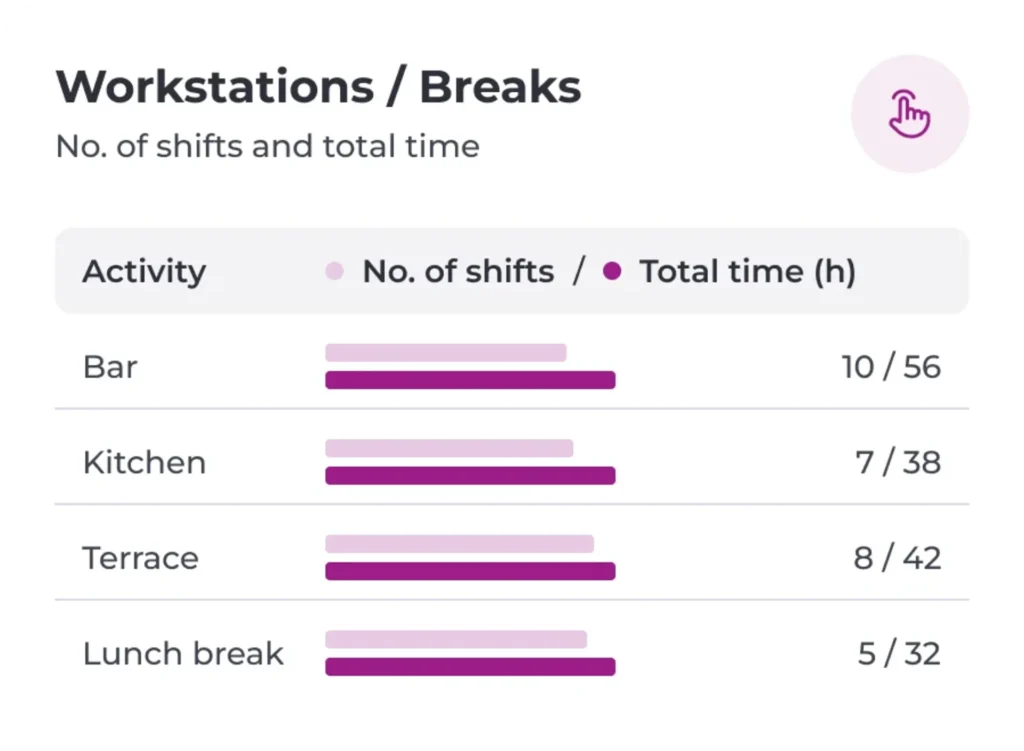
How it works
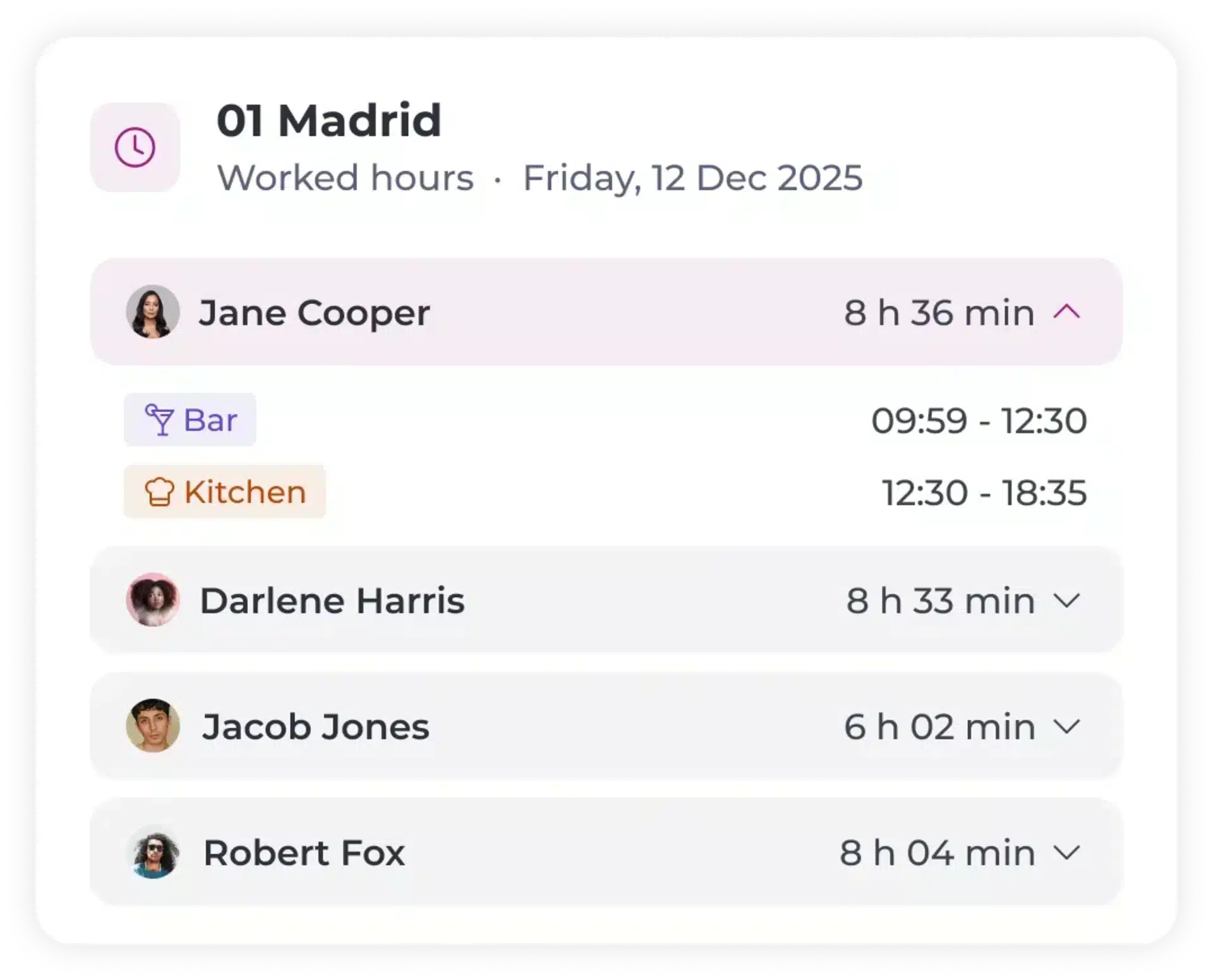
Comply with regulations
Keep track of hours worked and rest periods so the data is on hand when the inspector calls
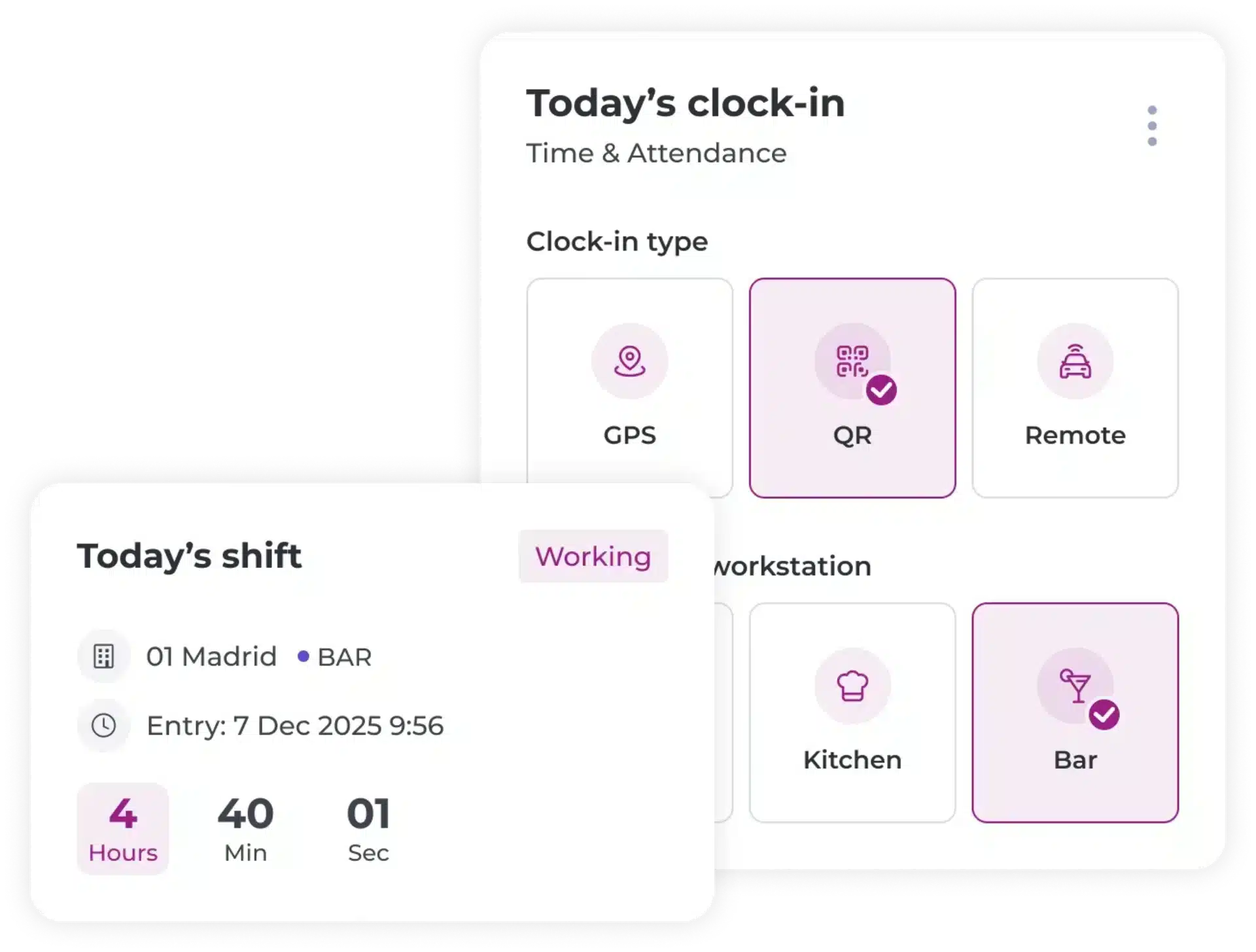
Onsite, remote, or displacement clock-in
Your team can clock-in wherever they are through our dedicated employee app, GIR Staff
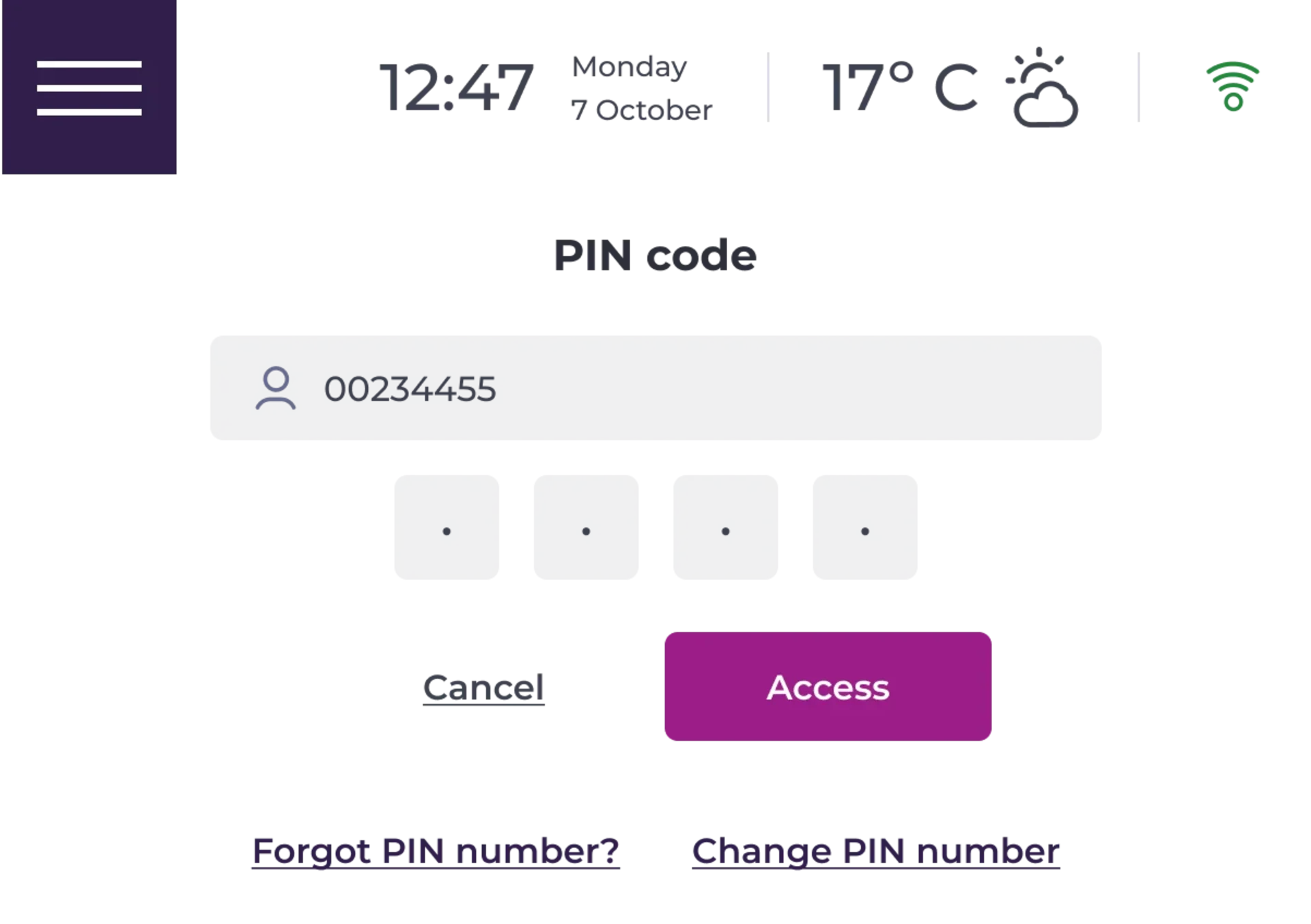
Physical clock-in device
Opt for our SmartHub device for onsite clock-in at each location, if you prefer. The choice is yours!
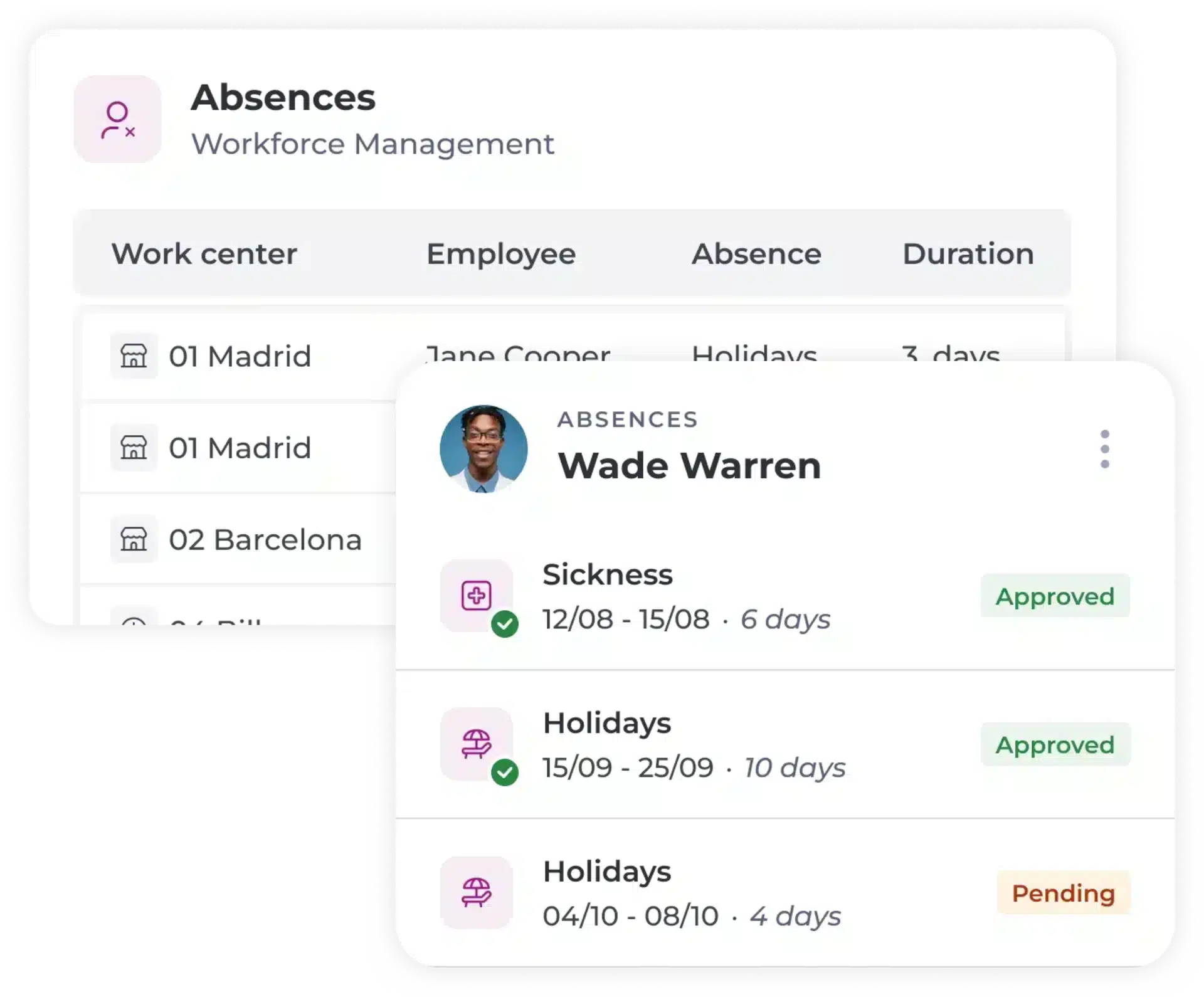
Simple absence and leave process
Managers see all holiday, absence, and leave requests and documentation in one place, cutting down the approval and admin process.
FAQs
Frequently asked questions
Get answers to questions about our platform, solutions and support.
What is a time keeping system?

A time tracking system is a way for companies to monitor and calculate both basic and more complex time tracking tasks. One of its main functions is to monitor working hours, lunch breaks and rest periods.
How can businesses benefit from good time tracking software?
A good time keeping solution will help businesses calculate how much hourly workers should be paid, overtime payments (if applicable) as well as complying with the EU Working Time Regulations where applicable.A good time keeping solution helps businesses calculate hourly pay, overtime payments (where applicable), and comply with working time regulations. Key benefits include:
- Precise information for accounting and payroll purposes.
- Accurate tracking of hours worked and overtime.
- Shared visibility for managers and employees through Workforce and the employee app, reducing disputes and improving transparency.
- Quick reporting on labour hours, productivity, and revenue performance.
- Better workforce planning based on historical labour data.
- Improved punctuality and employee accountability through mobile-friendly time tracking.
- Better protection against employee burnout by monitoring excessive working hours and supporting work-life balance.
Can time tracking software improve team management?
Yes. When combined with workforce management and shift planning tools, a time and attendance system can improve operational efficiency and support better team management. Workforce includes an intuitive people planner and employee-focused mobile app, providing transparency for both managers and employees.